
Free
$0
Forever, no account needed
- Unlimited recipes from sites with recipe cards
- Unlimited recipes you type in
- 5 imports from videos, scans, screenshots or pasted text
- 5 questions to Ask
- Cook mode, timers, scaling, nutrition, plan and groceries
 Maggie’s Cookbook
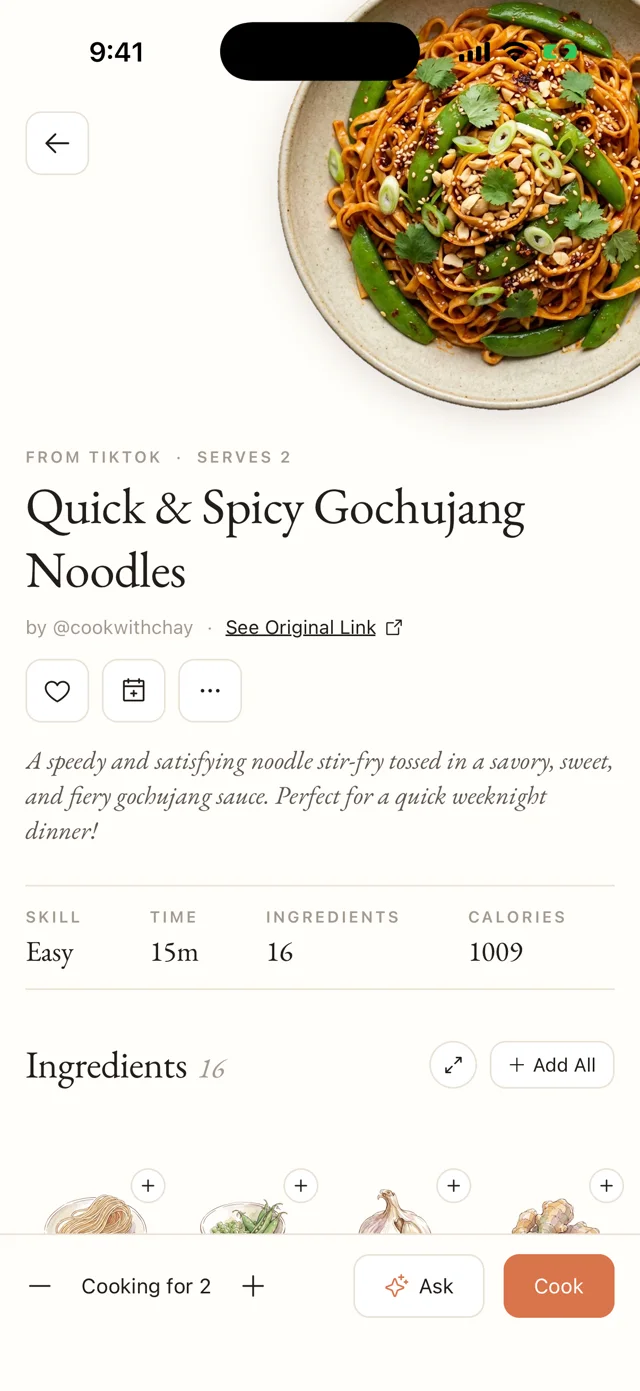
Share a recipe from TikTok, Instagram, YouTube or any website. It lands in your cookbook written out step by step, with every ingredient painted in watercolor.
Quick & spicy gochujang noodles, as it lands in your cookbook









Save from anywhere
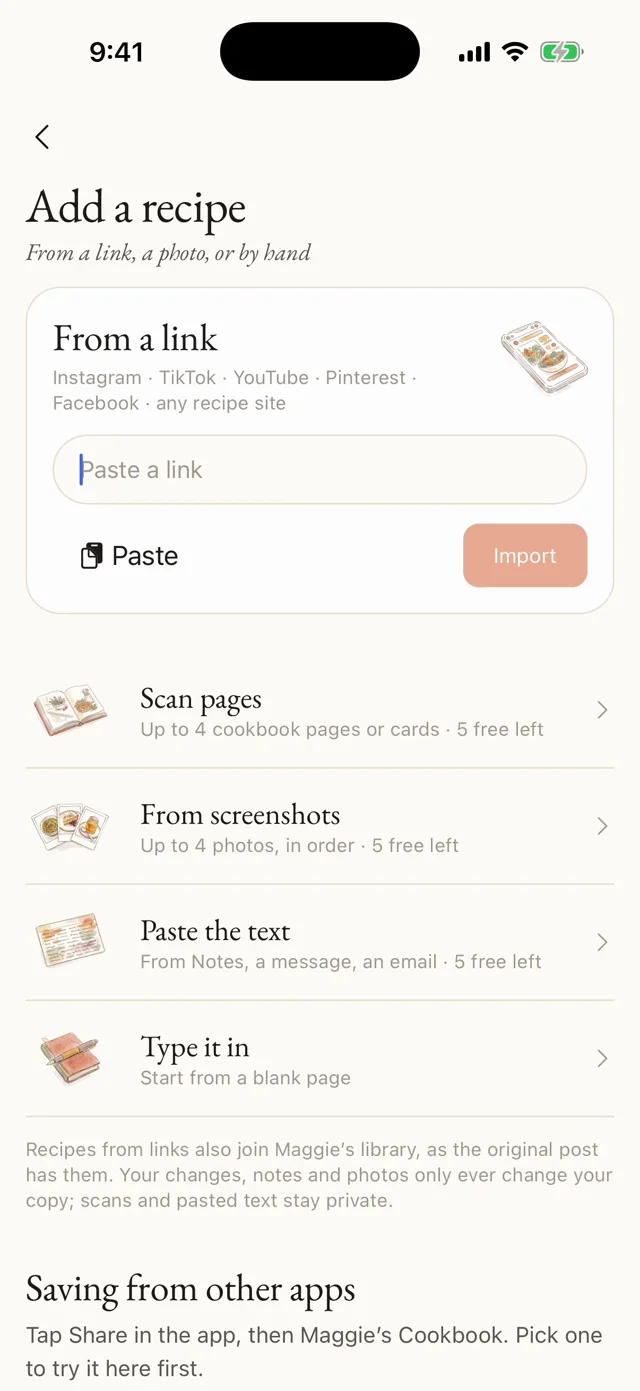
Most recipes arrive from the share sheet. The rest come in through the + on your cookbook: a link, a stack of cookbook pages, the screenshots in your camera roll, a recipe pasted from a message, or one you type yourself.

At the stove
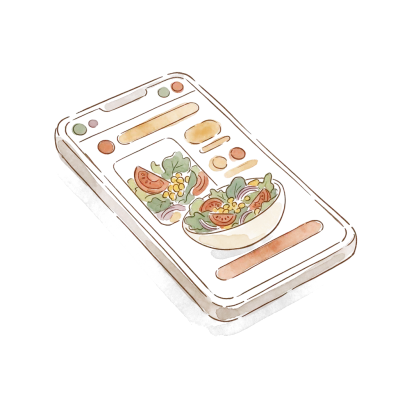
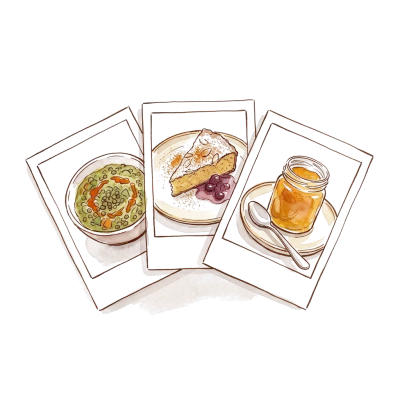
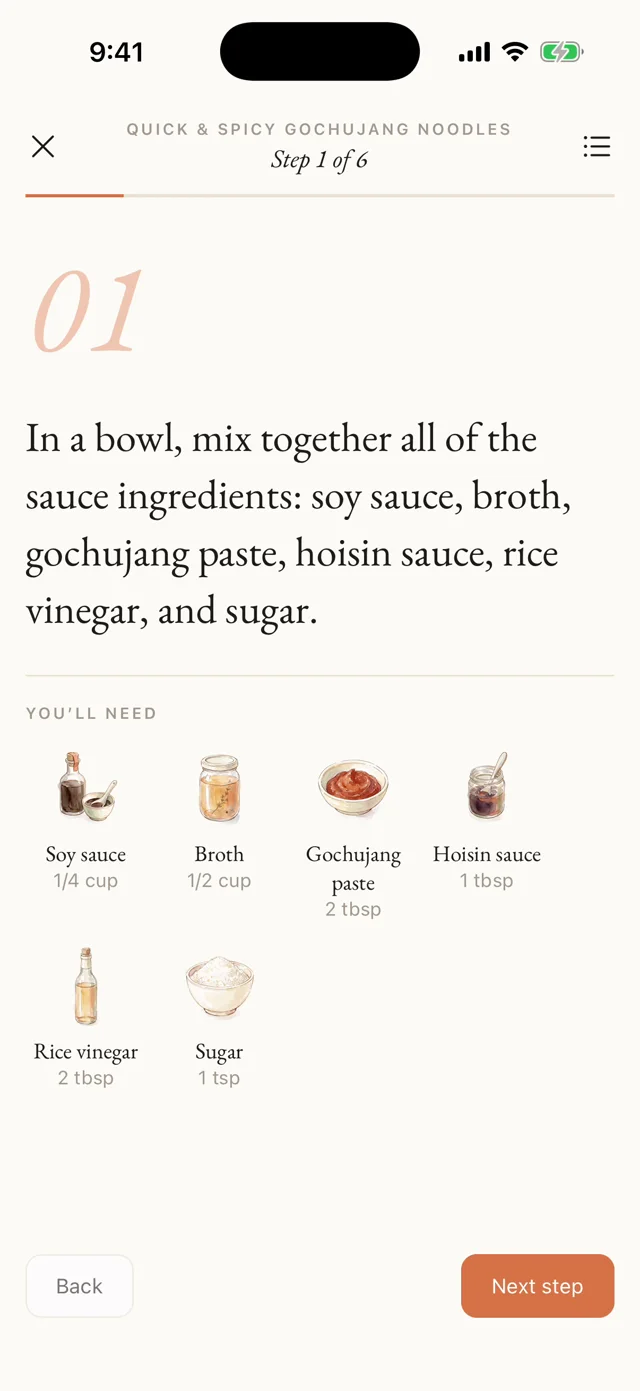
No life story, no pop-ups. The dish, the amounts and the steps, with each ingredient painted so you can see it at a glance. Tap Cook and it goes one step at a time, in type you can read from across the counter.
The pantry
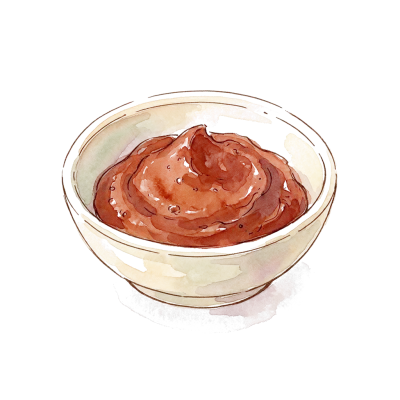
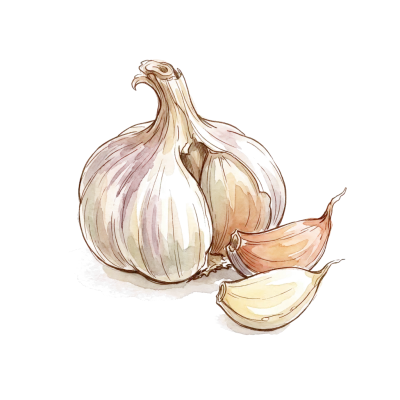
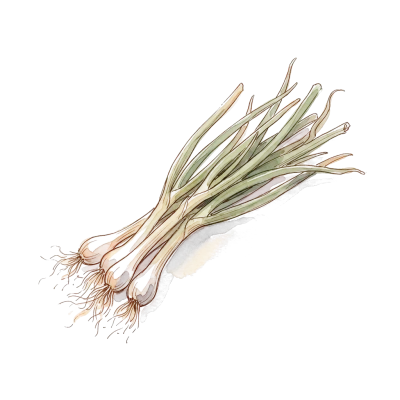
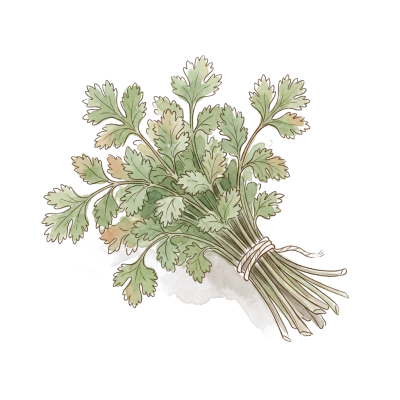
Pen line and loose watercolor, sitting straight on the page. “Cold unsalted butter” and “a knob of butter” are the same butter, so they get the same painting.
The week ahead
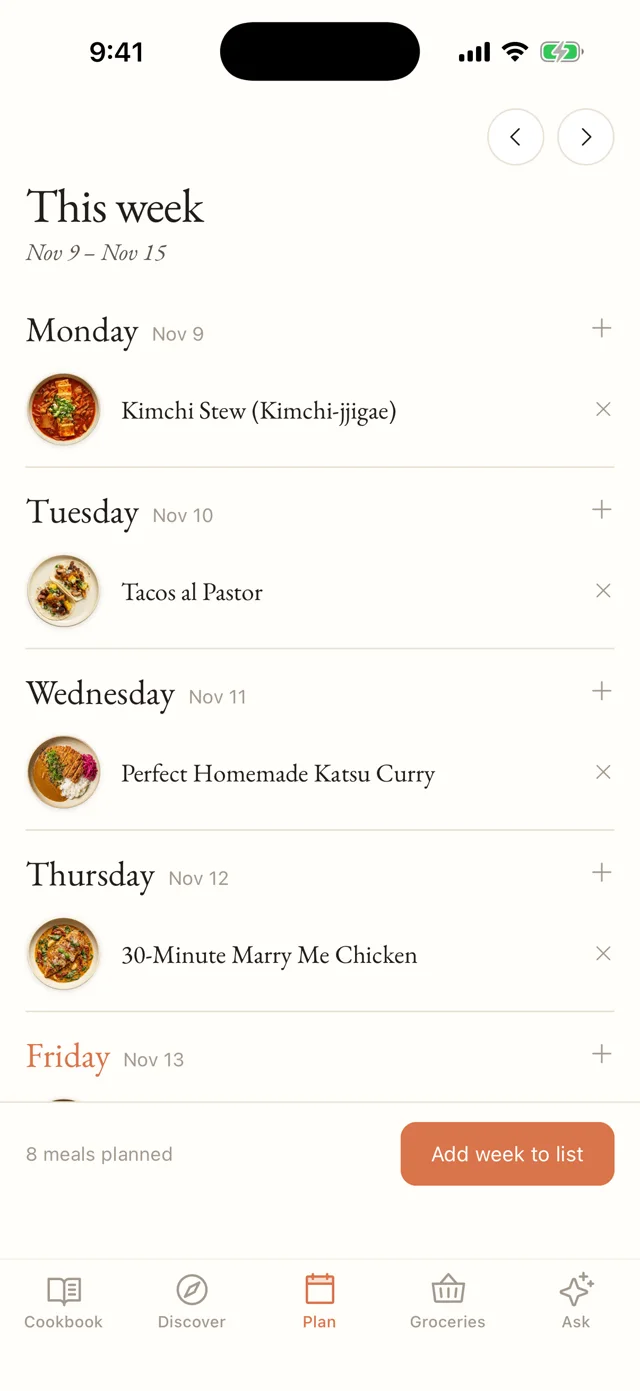
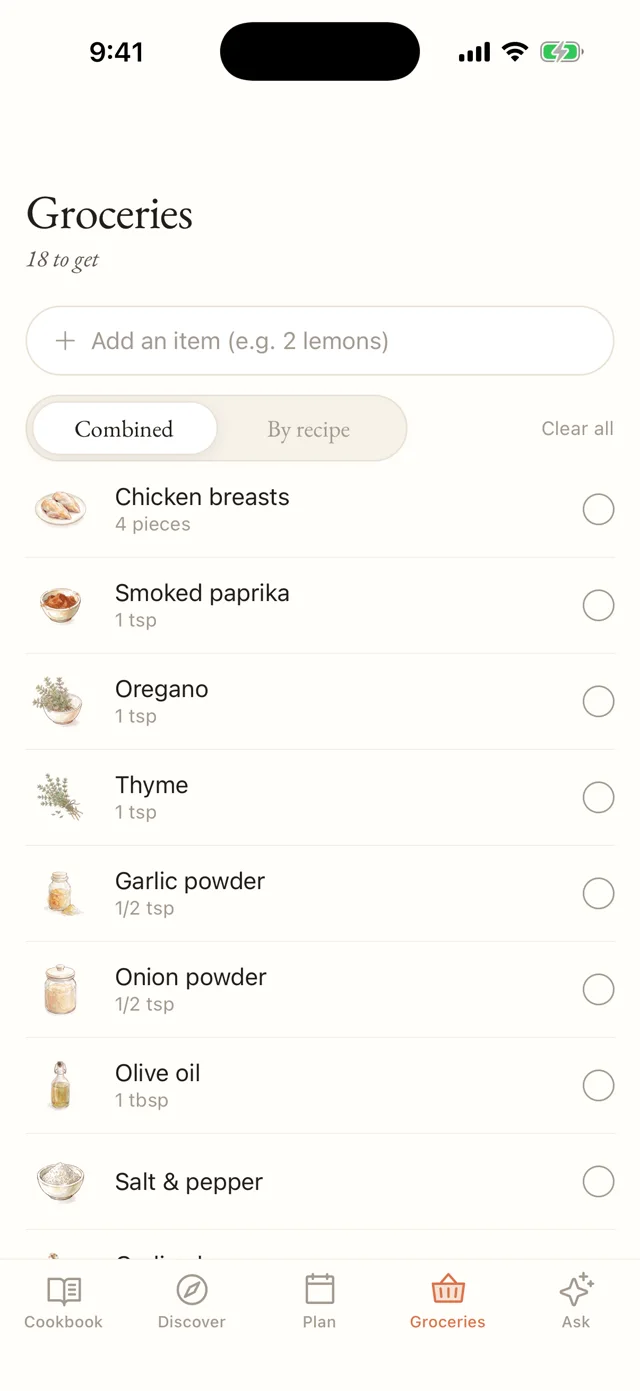
Put recipes on the days, then send the whole week to one grocery list. Two recipes both want garlic? That’s one line, added up. Flip to “By recipe” when you’d rather shop dish by dish.
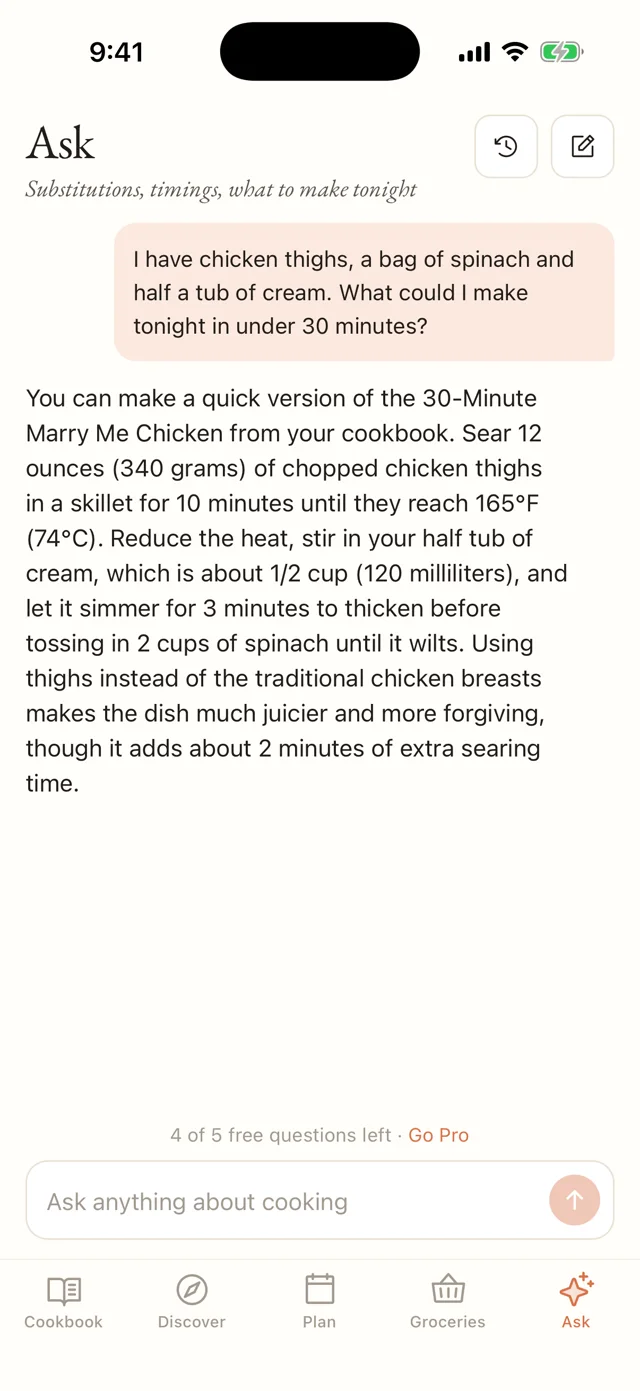
A friend in the kitchen
It knows your cookbook. Ask what to make with what’s in the fridge, what to swap when you’re out of something, or what you can get ready the night before.
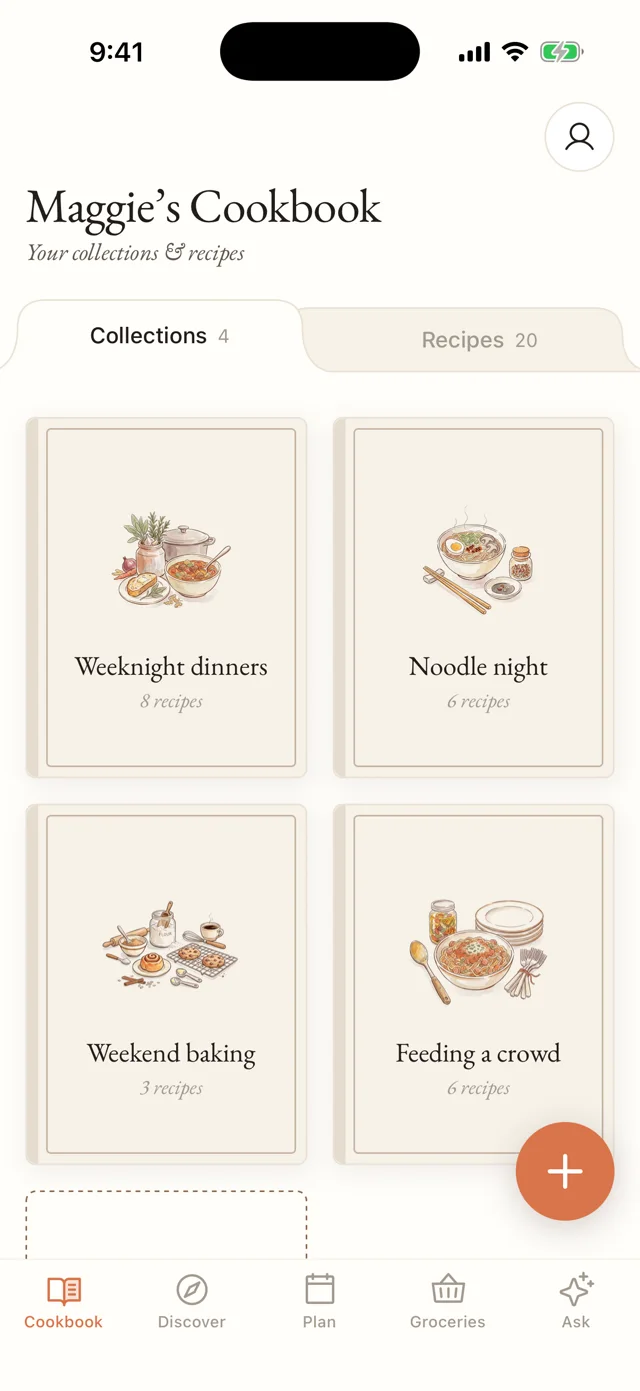
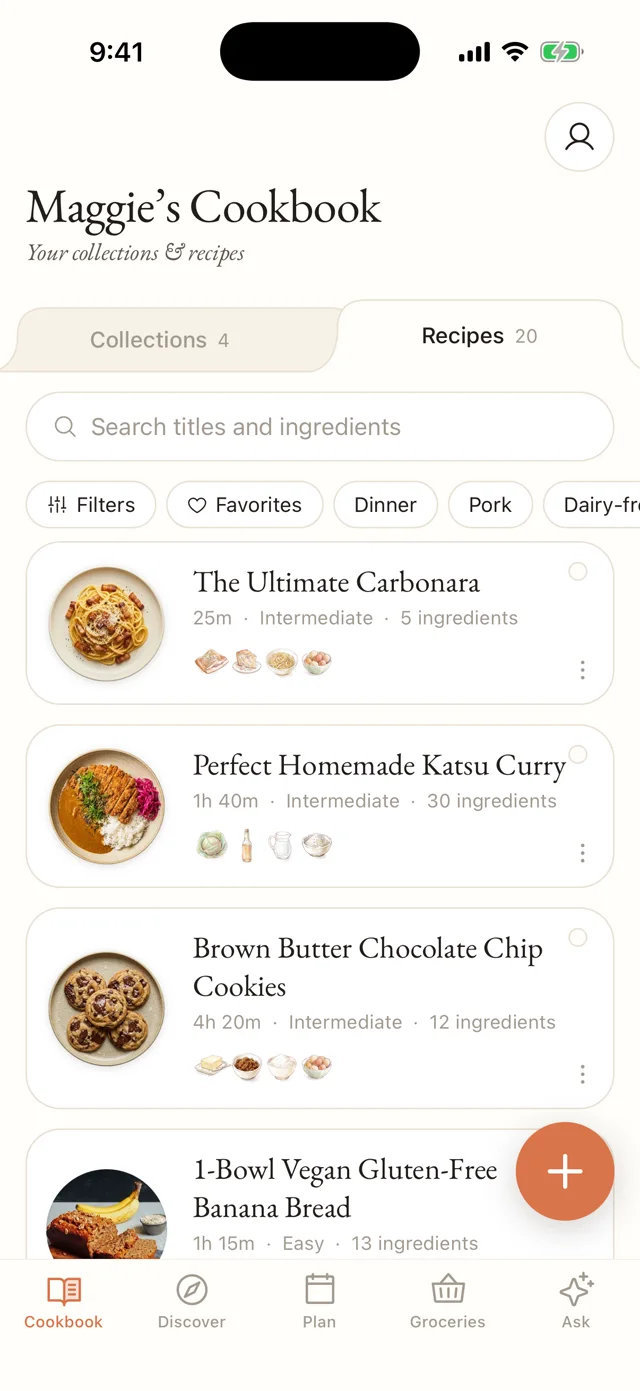
Your cookbook
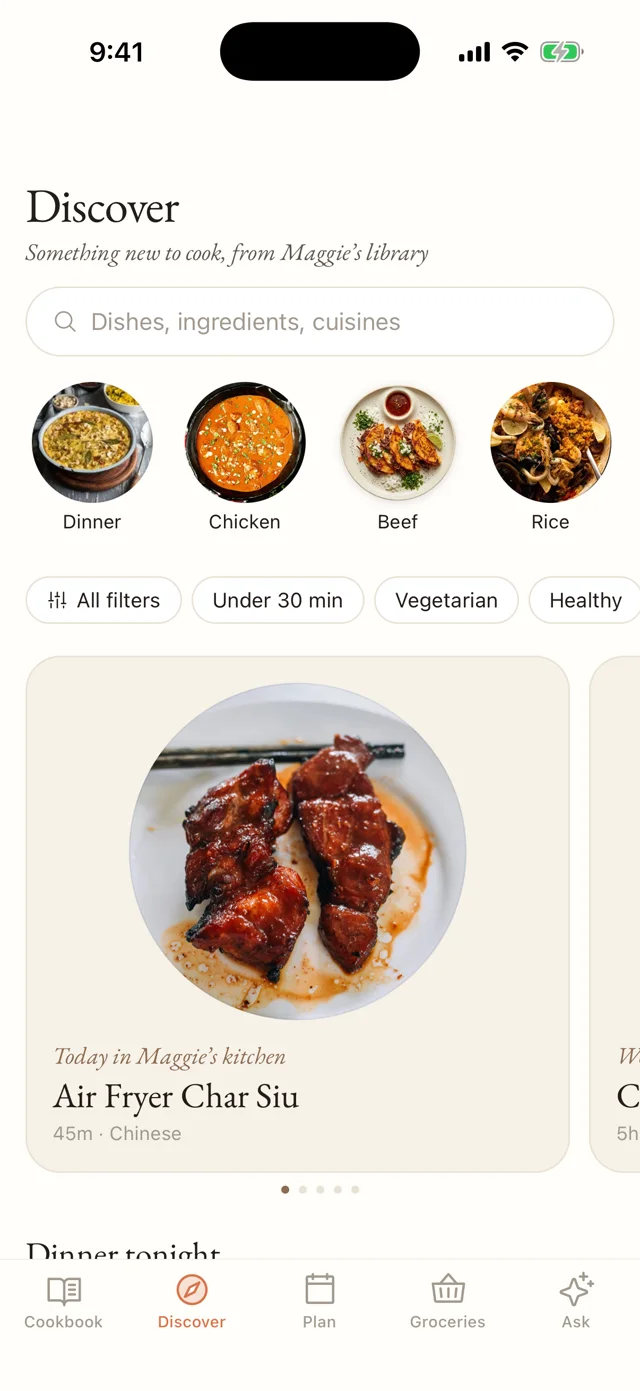
Sort recipes into your own collections, find anything by title or ingredient, and when you’re stuck, Discover deals fresh picks from Maggie’s library for the morning, midday and evening.
Pricing
Everything you need to cook, plan and shop is free. Pro takes the limits off the parts that read recipes for you.
$0
Forever, no account needed

$19.99/year
$1.67 a month, billed yearly
| Feature | Free | Pro |
|---|---|---|
| Saving recipes | ||
| Recipe sites with a recipe card | Unlimited | Unlimited |
| Typing your own | Unlimited | Unlimited |
| TikTok, Instagram, YouTube, plain pages | 5 imports, shared | Unlimited |
| Scanned pages & screenshots | Unlimited | |
| Pasted text | Unlimited | |
| Painted covers | With those 5 | Every import |
| Cooking | ||
| Painted ingredients | ✓ | ✓ |
| Cook mode & step timers | ✓ | ✓ |
| Scaling & nutrition | ✓ | ✓ |
| Ask | 5 questions | Unlimited |
| Planning & your cookbook | ||
| Meal plan & grocery list | ✓ | ✓ |
| Collections, favorites & search | ✓ | ✓ |
| Discover & Maggie’s library | ✓ | ✓ |
Anything Maggie’s has to read for you: a video or post, a page without a recipe card, scanned pages, screenshots or pasted text. A scan that finds several recipes counts once. Recipe sites that publish a recipe card, and recipes you type, never count.
Everything you’ve saved stays yours, along with cooking, planning and groceries. You can keep saving from recipe sites and typing your own; Pro is only for reading videos, scans and text.
Monthly ($4.99) and yearly ($19.99) renew through your Apple Account until you turn them off, at least 24 hours before the period ends. Lifetime ($49.99) is a single purchase. Restore it on a new phone from the paywall.
For cooking, yes. To keep the service fair there’s a generous daily ceiling (150 imports and 300 questions a day) that no home cook should ever meet.
On iPhone. Bring the recipes you’ve been meaning to make.
Download on the App Store